
In WHM (Web Host Manager), unblocking an IP address typically involves accessing the “ConfigServer Security & Firewall” (CSF) configuration interface.
Table of Contents
Follow these general steps:
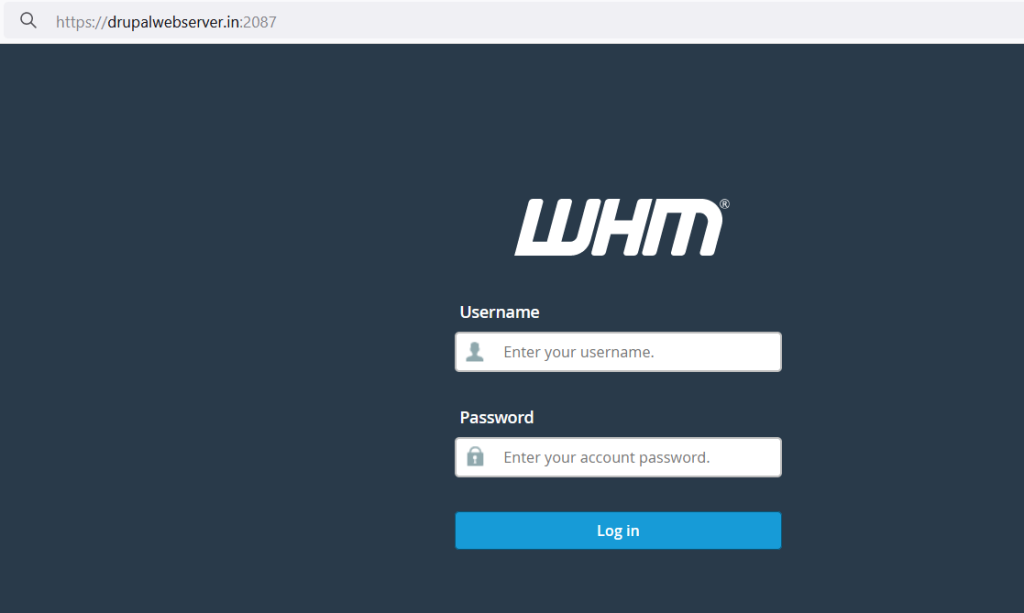
Login to WHM
Access WHM using your administrator credentials.
Locate CSF
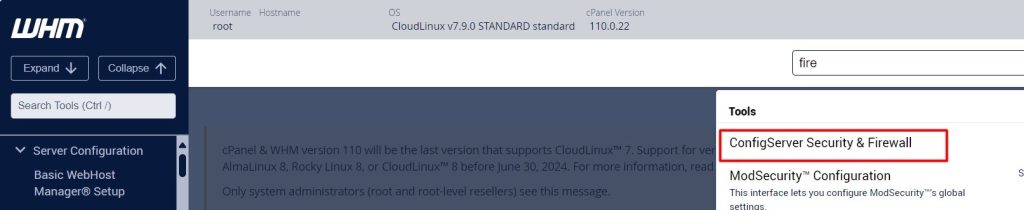
Once logged in, search for “ConfigServer Security & Firewall” or “CSF” using the search bar at the top left corner of WHM’s interface.
Access CSF Interface
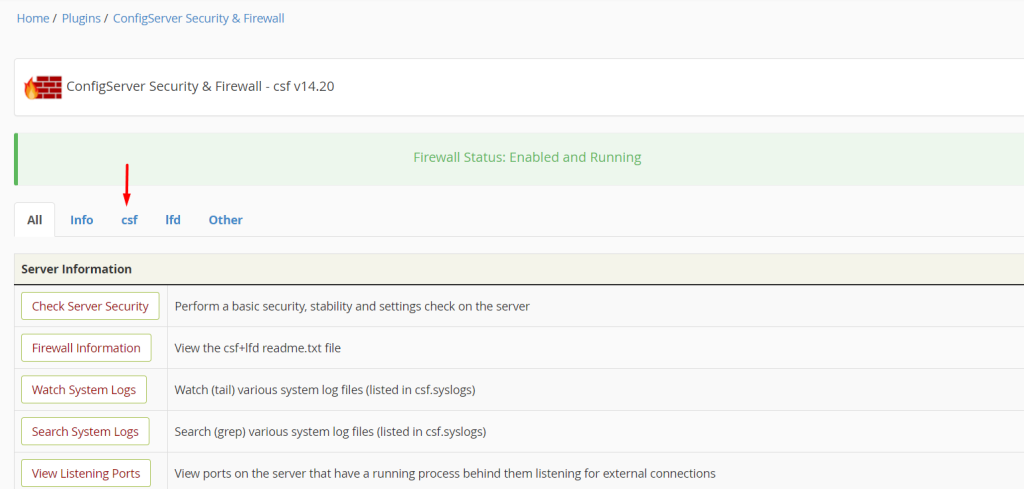
Click on the CSF option that appears in the search results to access the CSF configuration interface.
Unblock IP
Within the CSF interface, you should find an option to manage blocked IPs. Look for a section titled something like “Block/Unblock an IP” or “Firewall Management”.
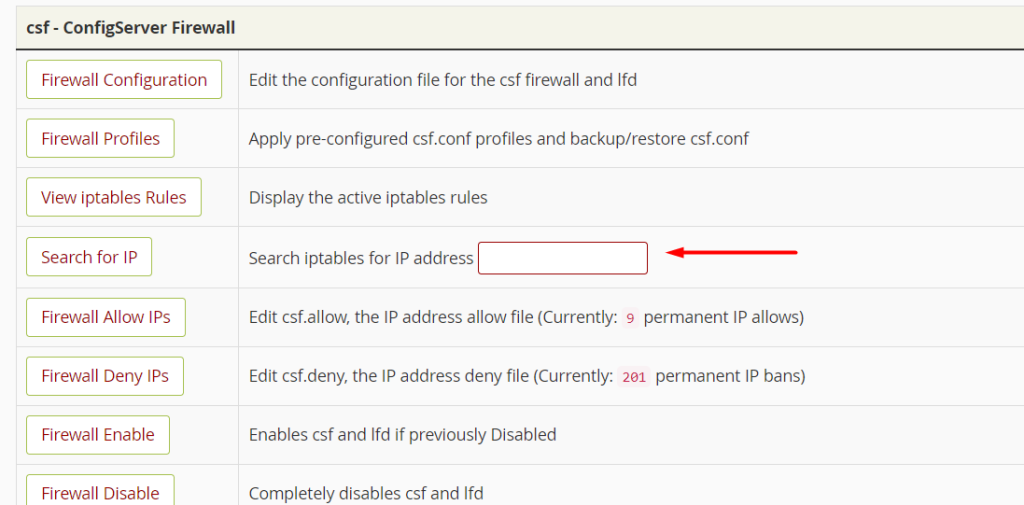
Unblock IP: Enter the IP address you wish to unblock in the designated field and click the unblock or whitelist button.
Confirm Unblocking
Confirm the action if prompted.
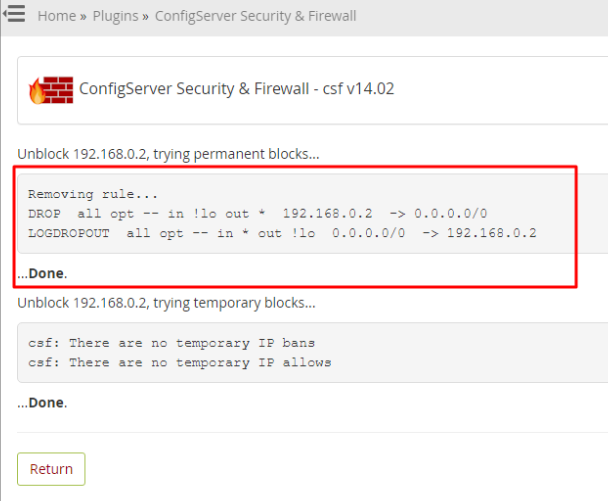
Restart CSF
It’s often recommended to restart the CSF firewall to apply changes. Look for an option to restart CSF within the CSF interface.
After following these steps, the specified IP address should be unblocked from accessing the server. Make sure to double-check any security policies or rules to ensure that the server remains secure while allowing access to the necessary IPs.


